
Large tile collections are difficult to filter, compare, and present consistently.
Digital Catalog & Tile Visualizer
Digital Catalog & Tile Visualizer
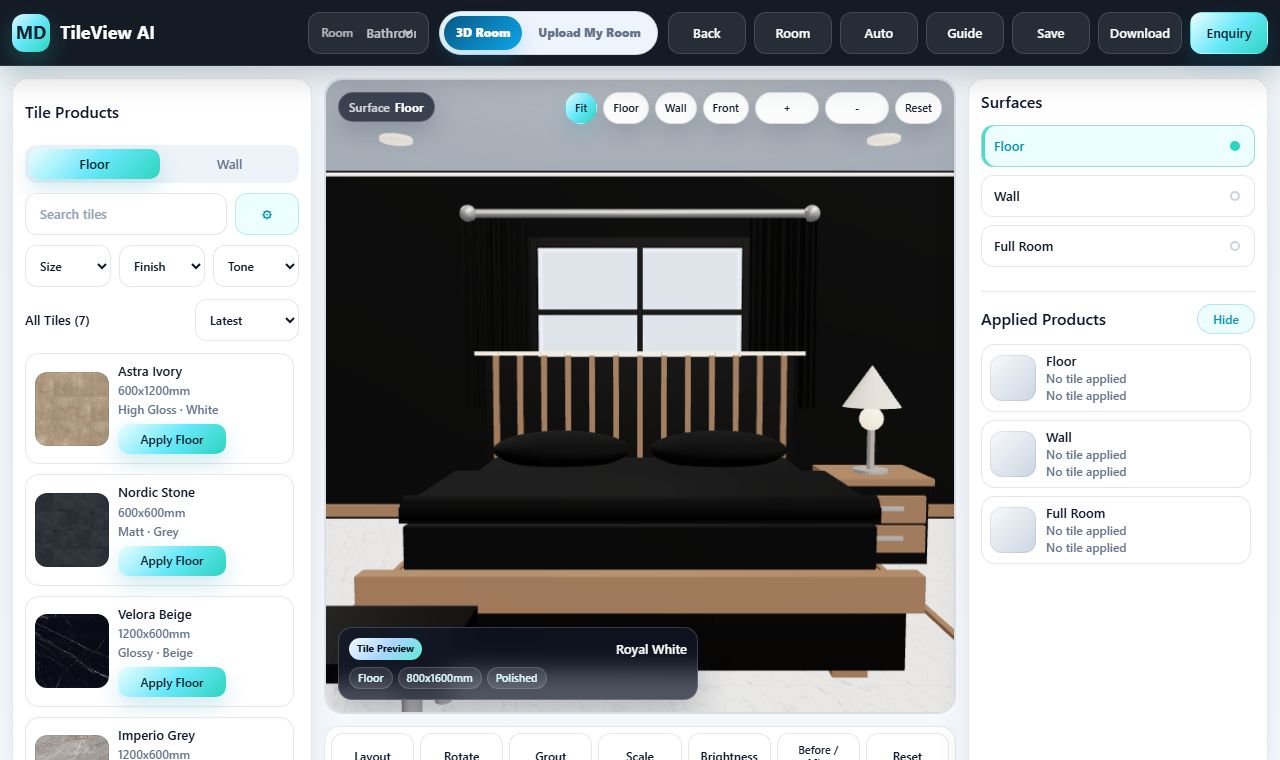
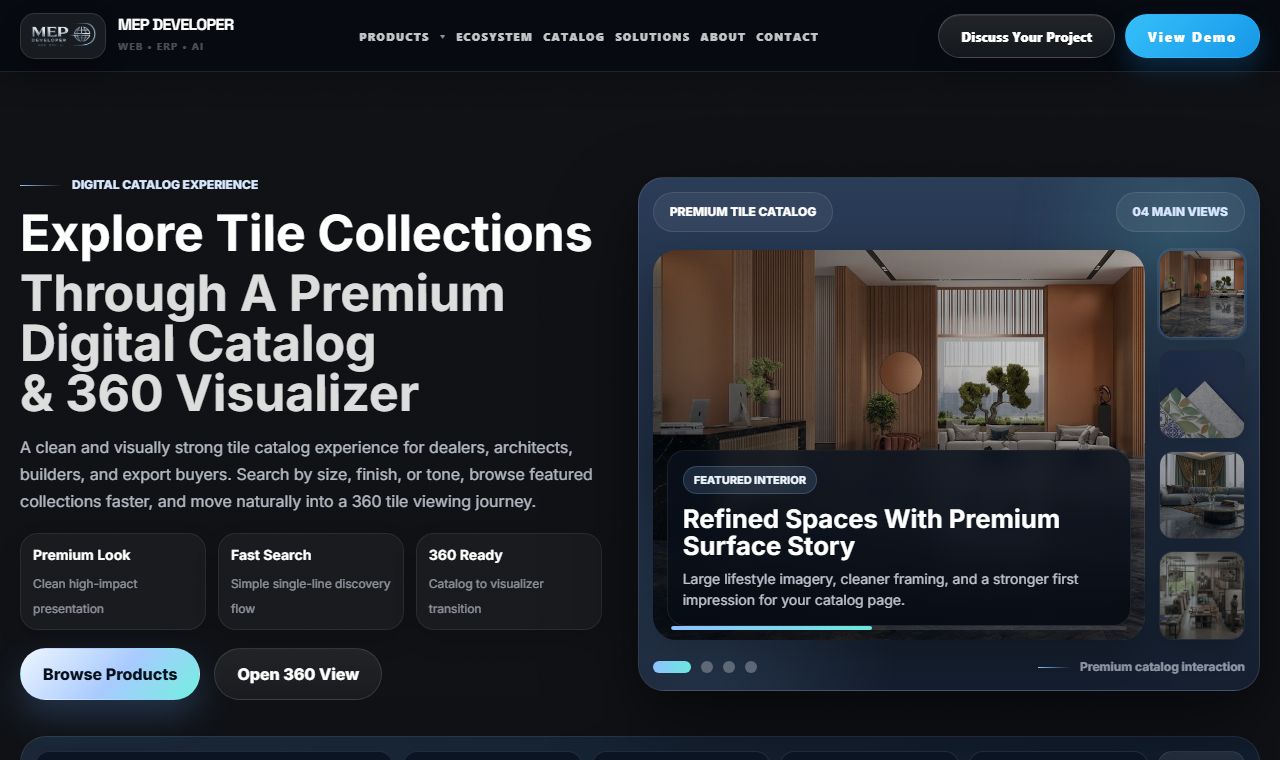
A connected product experience for browsing digital catalogues, filtering tile collections, visualizing products in 3D rooms, and previewing them on customer photos.
The business challenge
Move from scattered friction to one purposeful digital experience.
The right solution begins with the operational or customer problem—not with a preselected template.
Buyers cannot confidently imagine how a selected surface will look in a real room.
Catalogue discovery and visualisation often operate as disconnected customer journeys.
A connected scope designed around the result.
We connect structured product discovery with interactive room and customer-photo visualisation, keeping the selected product available through the enquiry hand-off.
- Faster product discovery
- More confident product selection
- A direct path from catalogue to enquiry
What the service covers
One connected catalogue and visualization journey.
Product data, filters, tile collections, 3D environments, customer photos, and enquiry actions stay connected inside one main service.
Digital product catalogue
Practical capabilityProduct filters
Practical capabilityTile collections
Practical capability3D room visualizer
Practical capabilityCustomer photo visualizer
Practical capabilityEnquiry hand-off
Practical capabilityDevelopment approach
A visible path from discovery to dependable release.
Each stage protects scope clarity, responsive quality, accessibility, performance, and the final hand-off.
- 01Discovery
- 02Planning
- 03UX & UI
- 04Development
- 05Quality assurance
- 06Deployment
- 07Support
Relevant technology
Technology selected for the service—not for decoration.
- React product UI
- 3D web rendering
- Image compositing
- Catalogue APIs
- Responsive controls
- Product data filters
Business outcome
Help buyers move from a large catalogue to a confident visual choice.
Structured product data, useful filters, room previews, and customer-photo visualization reduce uncertainty before the enquiry hand-off.
- Faster product discovery
- More confident product selection
- A direct path from catalogue to enquiry
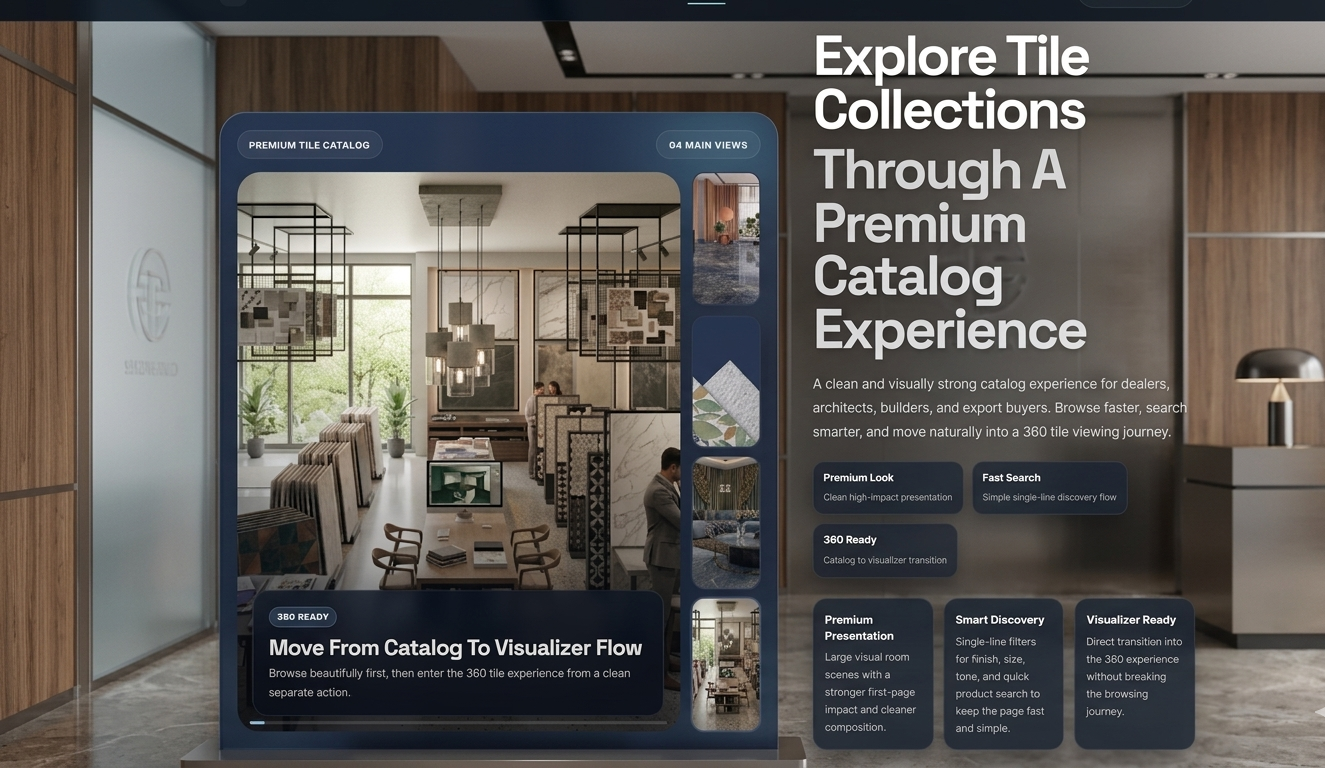
Buyer journey
Move from product discovery to a confident visual decision.
The catalogue and both visualizer modes form one product experience rather than separate primary service routes.
- 01
Browse tile collections
Organise products by series, application, size, finish, colour, or other useful attributes.
- 02
Filter products
Help buyers quickly narrow the digital product catalogue to relevant products and specifications.
- 03
Visualize in 3D
Pass the selected tile into curated 3D room environments for floor and wall previews.
- 04
Use a customer photo
Upload a room photo, refine detected surfaces, and preview the chosen product in context.
Visualization modes
3D room visualization and customer-photo previews.
Both working applications remain protected live products connected from this single marketing service page.
Realistic 360° Room Visualizer
Carry a selected catalogue tile into a real panorama and apply it to depth-aware floor and wall surfaces.
Open Realistic VisualizerCustomer Photo Visualizer
Upload a room photo, detect likely surfaces, refine the selection manually, and preview the chosen finish.
Open Customer Photo VisualizerStart with the business problem
Ready to discuss digital catalog & tile visualizer?
Tell us what needs to improve—presentation, enquiries, product discovery, export operations, or a repetitive workflow.